Wayland Desktop Shells
Posted on
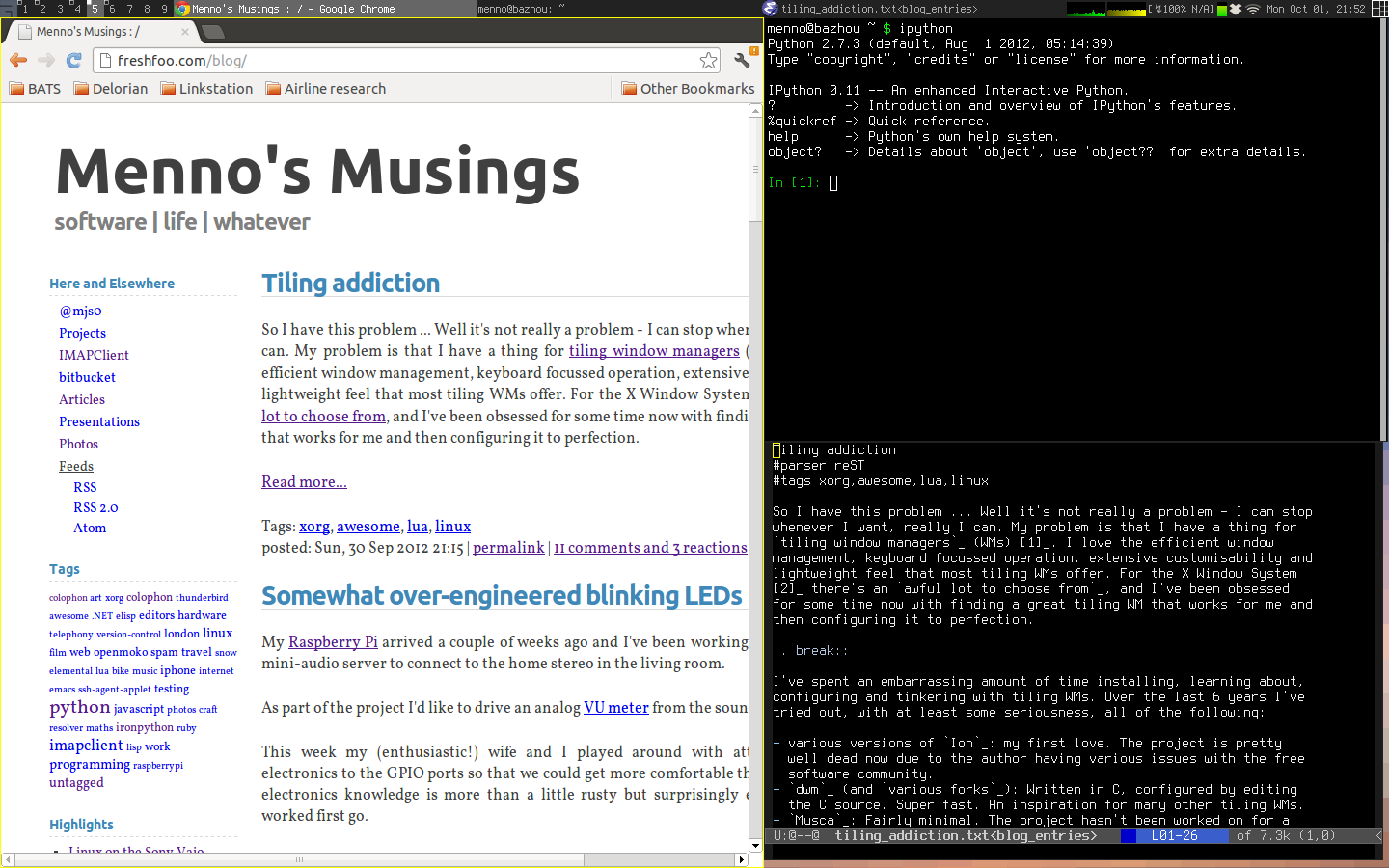
It used to be that if you went down the standalone window manager/compositor path on Linux (i3, awesome, sway etc) you'd have to cobble together a panel, screen locking, notifications etc using a bunch of disparate tools. This takes a non-trivial amount of time to get right often involving deep dives into configs and the creation of custom shell script helpers. While this can be fun to mess around with, the final result was always a bit janky with all the pieces fitting together poorly, both in terms of functionality and looks. After a while, I would find myself getting frustrated with the rough edges of my various custom setups and going back to the well-designed, but unexciting, Gnome environment.
A new breed of standalone desktop shells have been gaining popularity lately which provide a cohesive set of functionality that standalone Wayland compositors don't provide. They look great and follow a consistent design language, and can also generate themes for popular software so that there's a uniform look across the desktop.
Noctalia and Dank Material Shell (DMS) are two leaders in this space. Both provide gorgeous configurable panels, launchers, lock screens, theming and mostly UI driven configuration. Both work well with a variety of popular compositors including Niri and Hyprland. Both also use Quickshell to create the UI elements of the desktop experience. DMS is a little more invasive in terms of the config changes it makes to the software on your system (but it's good about making backups first), and also requires you to run a dedicated service which integrates everything. The benefit of this heavier approach is that DMS lets you configure most widely used settings of many applications directly from its settings UI.
I tried both out and ended up going with Noctalia because I appreciated its more lightweight approach - I don't really need to configure everything through a UI. Editing config files is fine by me, and more efficient for bulk edits.